QR code scanner
Use the camera or a selected image to identify supported QR codes and open the decoded result.
ScanMaster Home brings QR and barcode scanning, document capture, OCR, PDF creation, code tools, and quick access features into one clean Android experience.
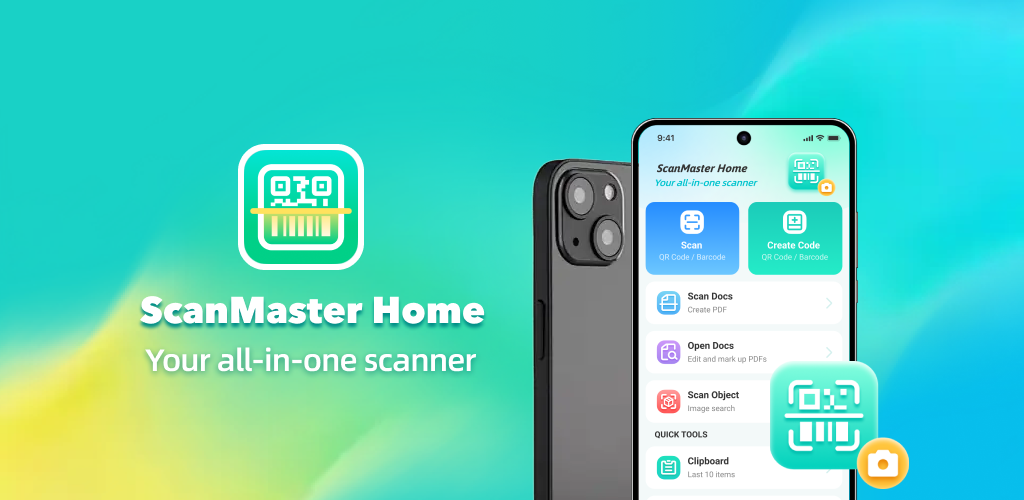
Focused tools are organized in a simple interface so common scanning and document actions stay close at hand.
Use the camera or a selected image to identify supported QR codes and open the decoded result.
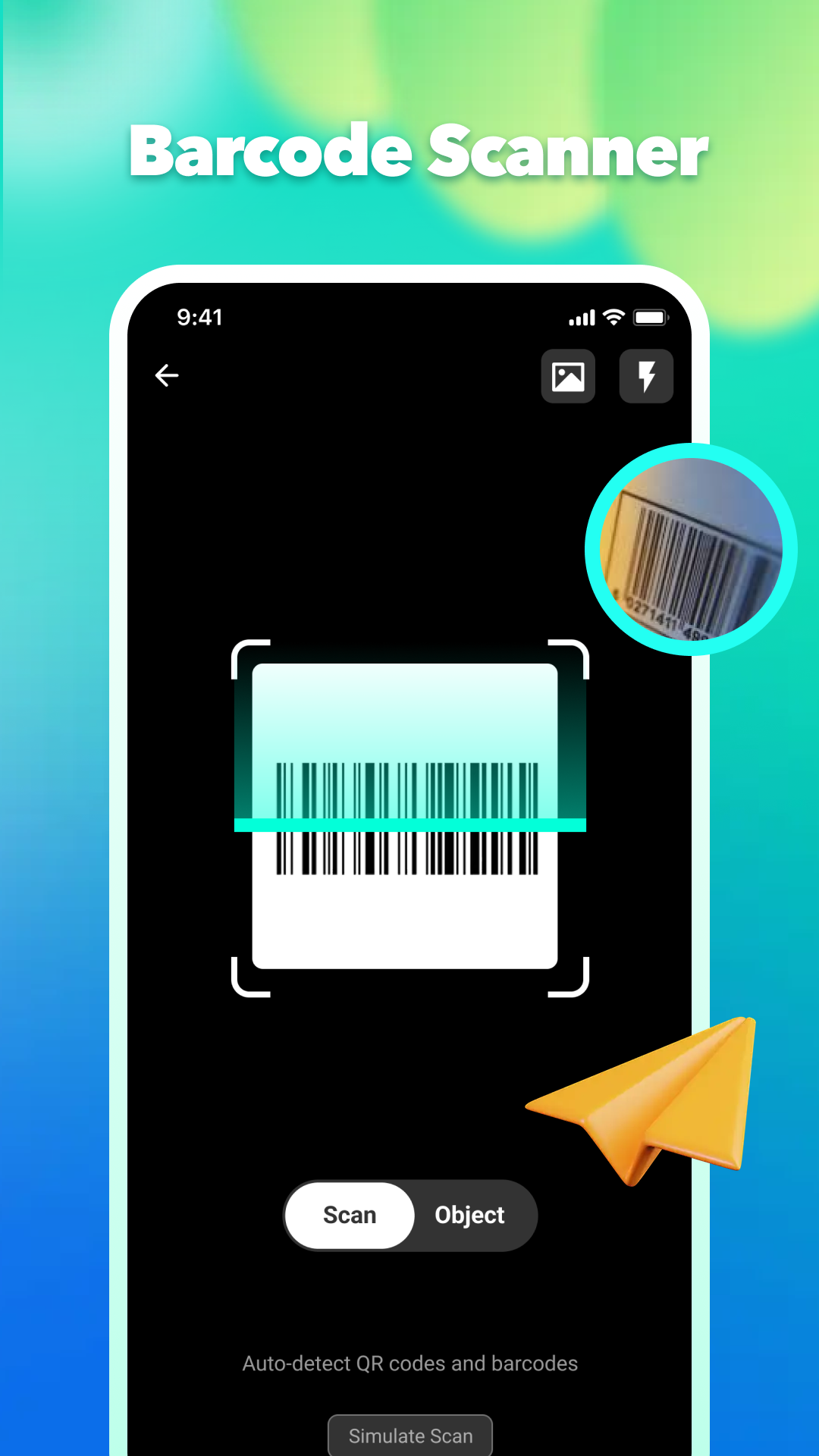
Detect supported product and utility barcodes with a focused scanning frame and torch controls.
Capture document pages, digitize content, and generate PDF files for local viewing or export.
Recognize text from captured or selected images to make printed information easier to use.
Create supported QR codes and barcodes, then save or manage generated items from the code library.
Reach scanning, history, favorites, documents, and other quick tools from a streamlined home experience.
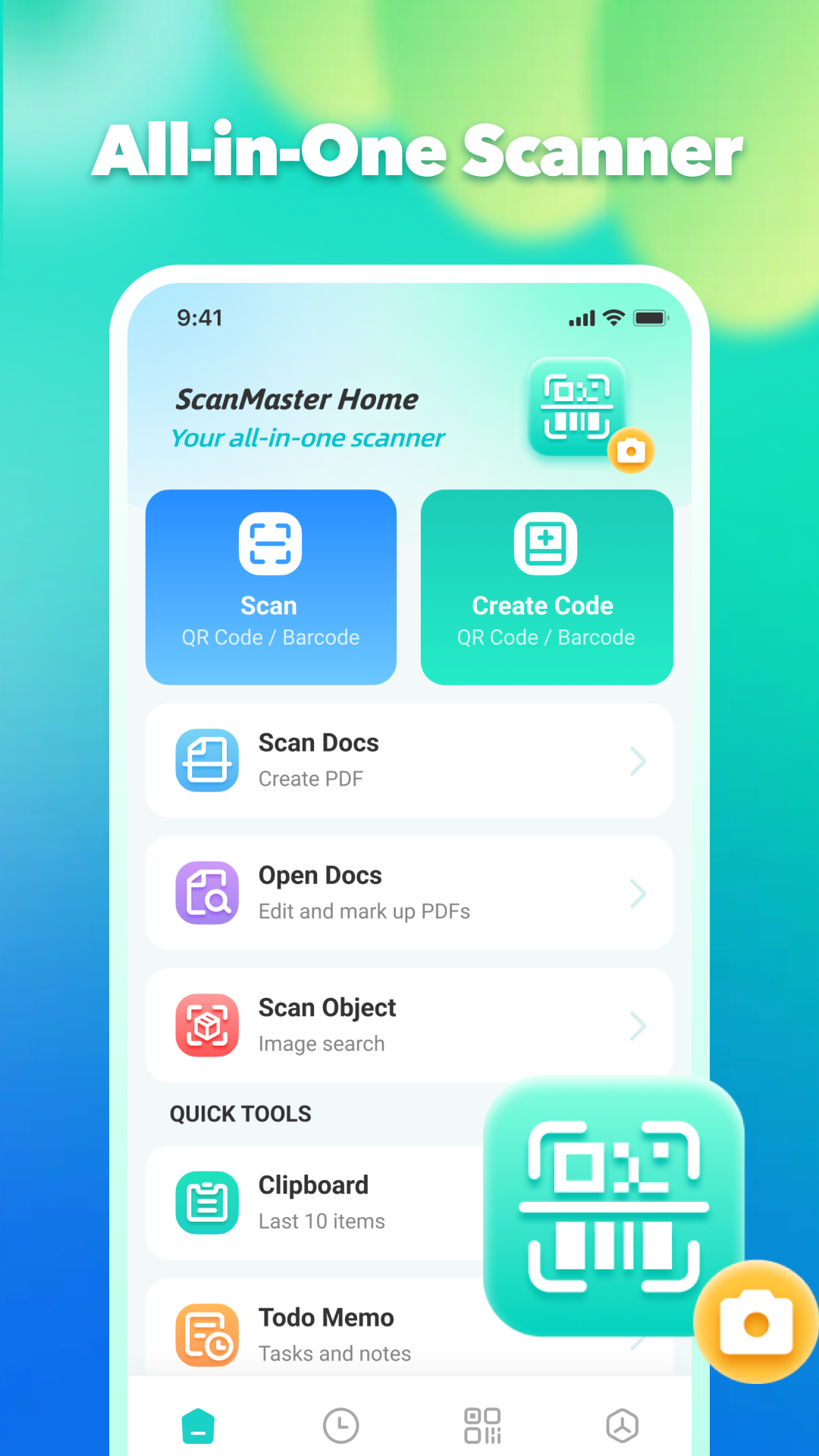
The home screen separates scanning, code creation, documents, and quick tools into clear actions. History and saved content remain easy to reach without adding visual clutter.
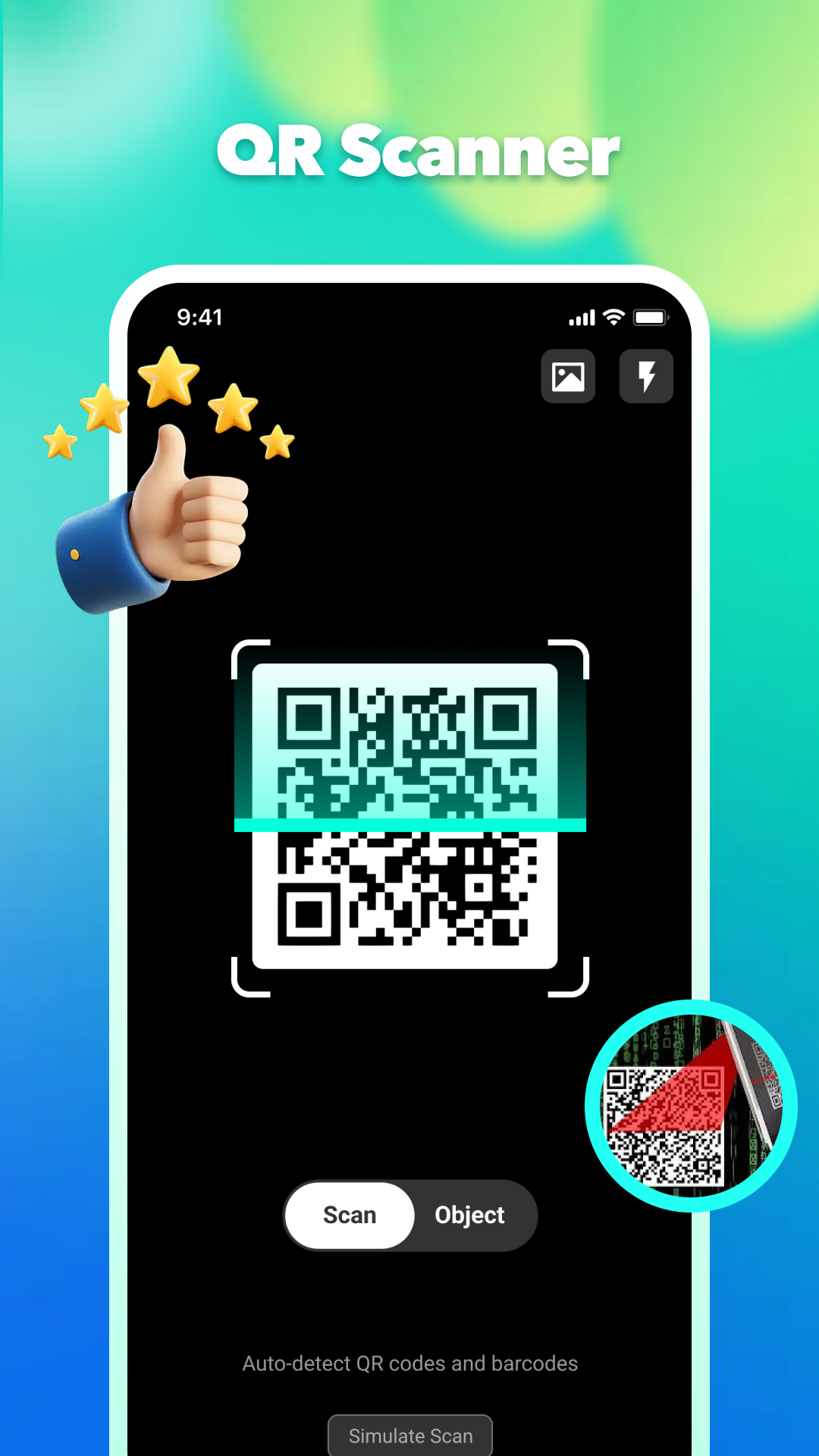
Camera scanning keeps the code area centered and provides quick access to image import and flashlight controls. The app can switch between supported scan modes without leaving the camera workflow.
Start scanning, create codes, manage documents, and reach everyday tools from one clear home screen.
Use the camera view to detect QR codes quickly, with image import and flash controls close at hand.
Scan supported barcodes in a focused layout designed to keep the code area centered and readable.
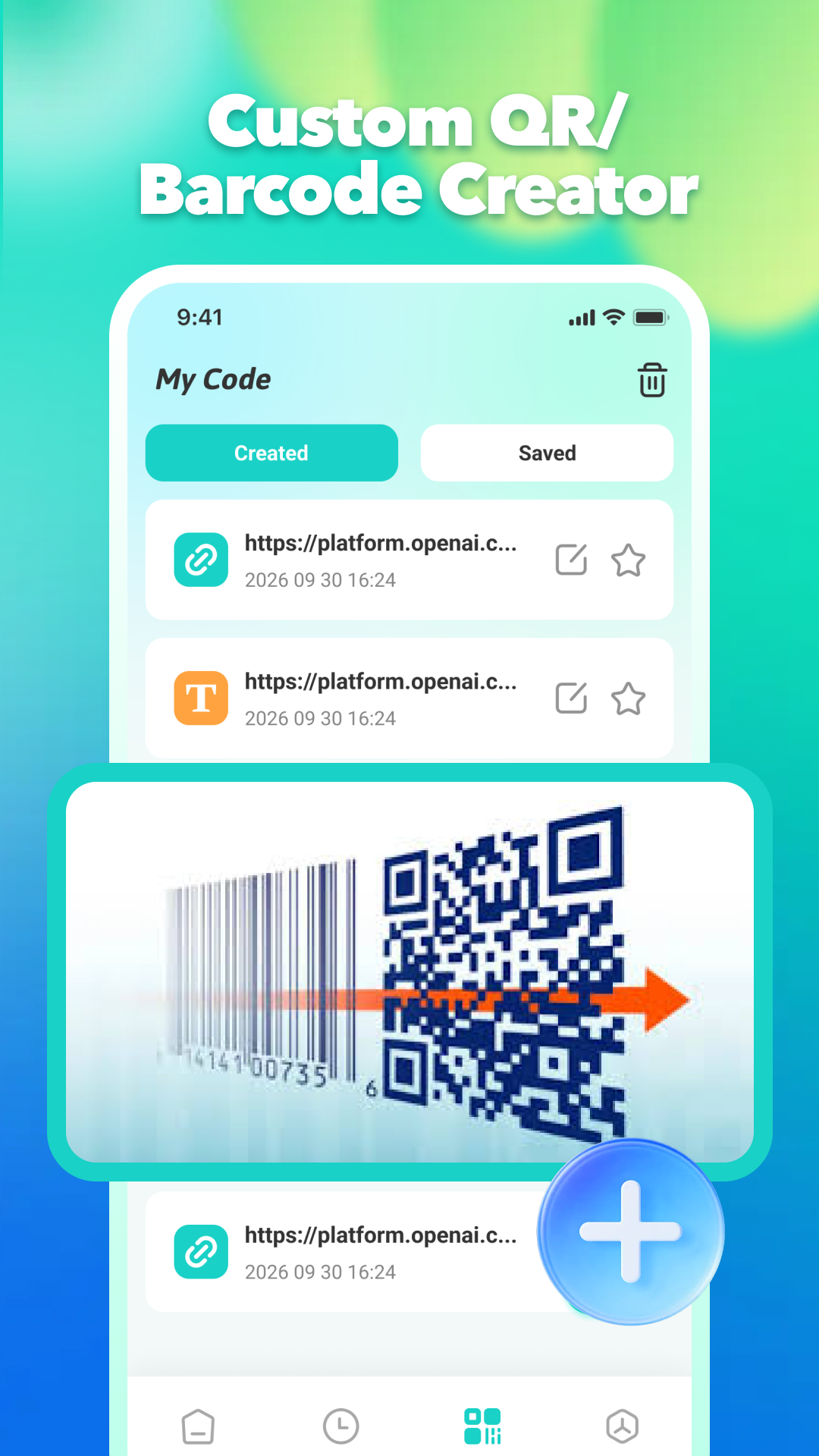
Create and manage custom QR codes and barcodes, then save them for later access and reuse.
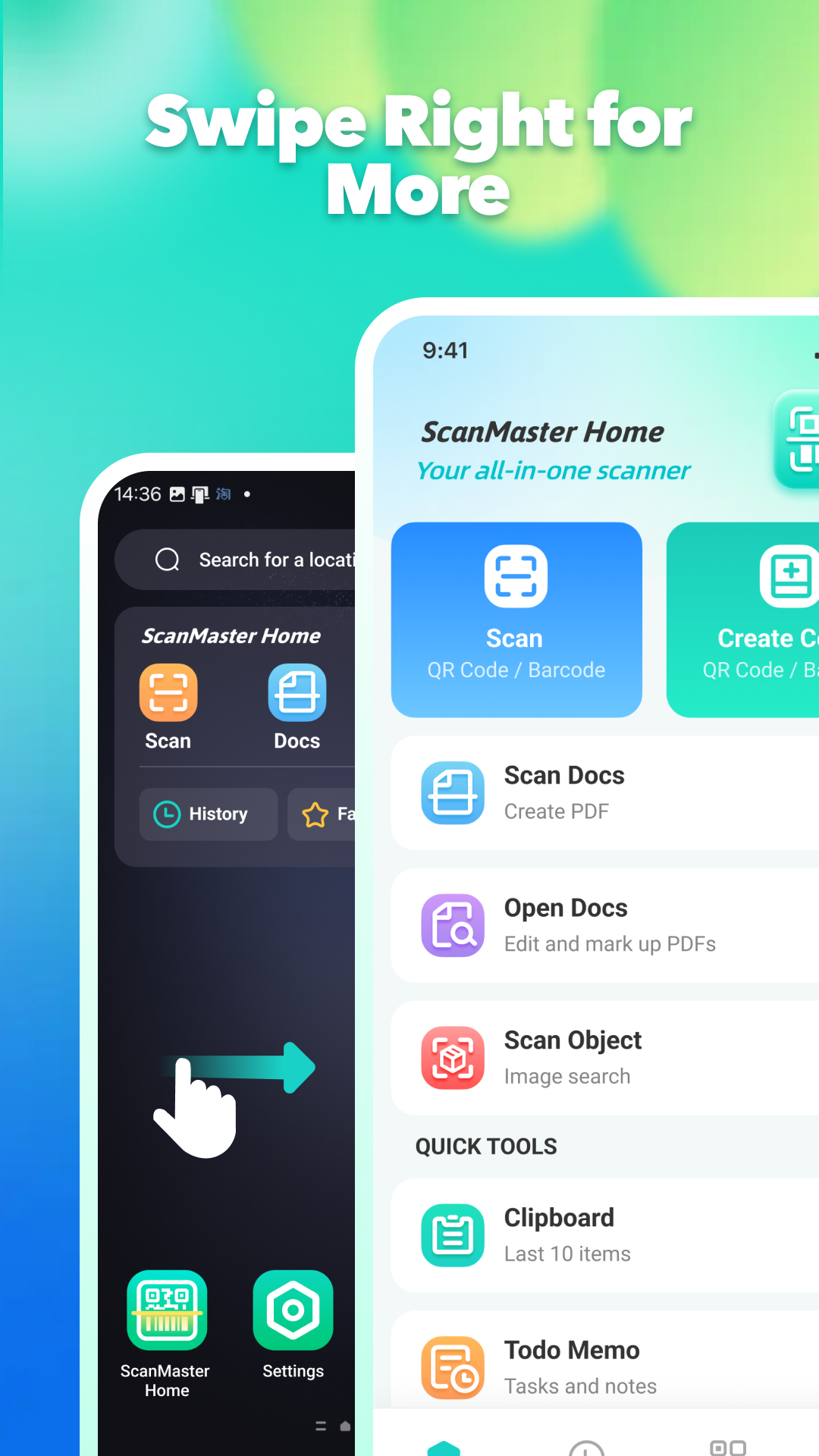
Reach ScanMaster Home quickly from the device home experience and jump into scanning in just a swipe.
Camera frames, scanned document images, recognized text, scan history, and generated files are handled as described in the ScanMaster Home Privacy Policy. Core scan content is processed locally on the device, while limited technical, analytics, attribution, and advertising data may be handled by integrated service providers.
View the full privacy policyCamera and file access are requested only when needed for related scanning, import, saving, or export actions.
Live camera frames, private scan results, captured documents, OCR results, and generated PDFs are not uploaded to our servers.
Permissions can be changed in device settings, and locally stored history or app data can be deleted by the user.
Visit the support page for permission guidance, privacy information, and contact details.